
Publier une visite signifie mettre la dernière version de votre visite à la disposition des visiteurs.
Les modifications apportées jusqu'à présent ne sont visibles que dans le générateur de visites, mais pas encore dans Podcatcher ou sur d'autres appareils.
Il existe trois "états" d'édition dans lesquels une tournée peut se trouver :
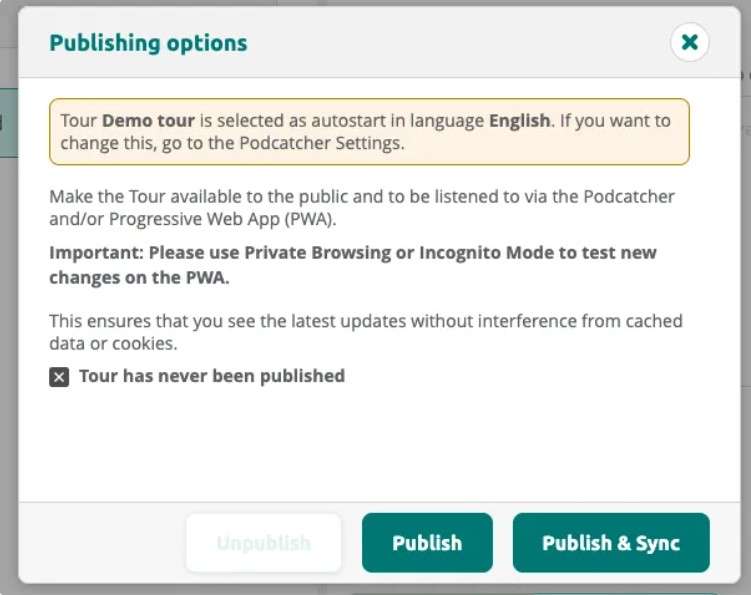
- Tour has never been published: The tour has not yet been made available.
- Tour is unpublished: The tour was published before but is currently not accessible to visitors.
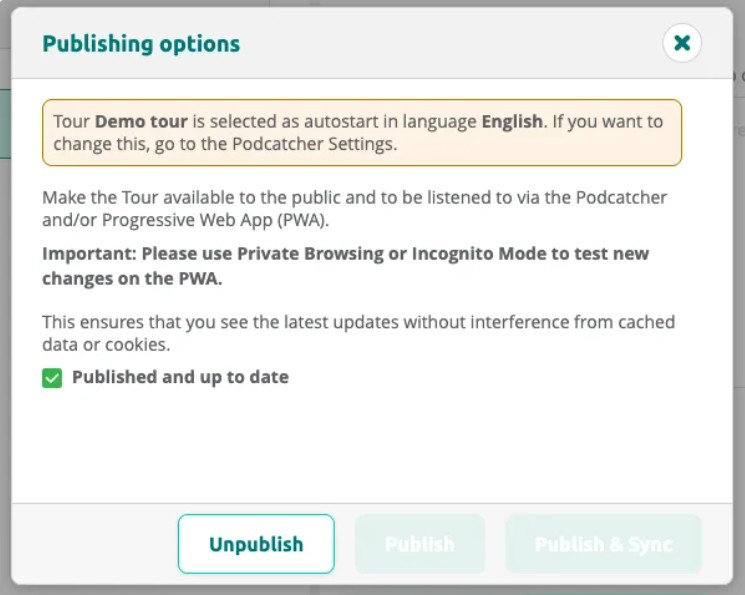
- Published and up to date: The current content is live and matches what visitors receive.
- Tour has changed since it was last published: The tour has been modified since the last publish — republish to push the changes.
Once you’re happy with your tour, go publish it. Go to the tour and select the Publishing Options button at the top-right of thetour page.
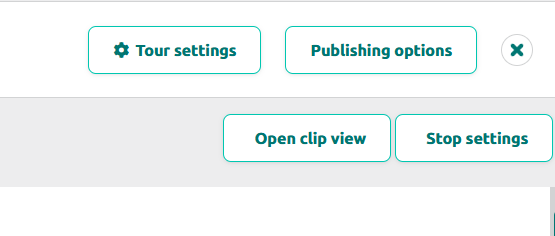
En cliquant sur le bouton, vous ferez apparaître une boîte de dialogue dans laquelle le contenu manquant sera répertorié et qui vous permettra de voir ce qui a été modifié depuis la dernière fois que vous avez publié.
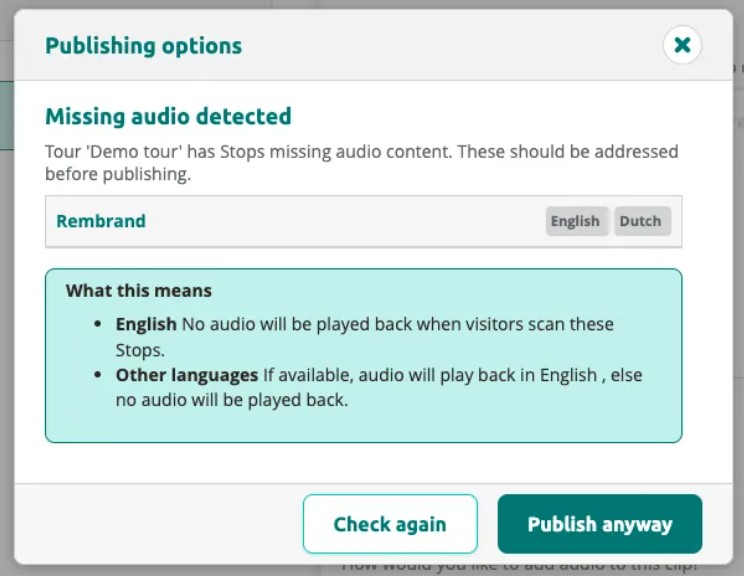
If the tour has stops with missing audio, the dialog warns you before publishing. You can choose to fix the issues or publish anyway.
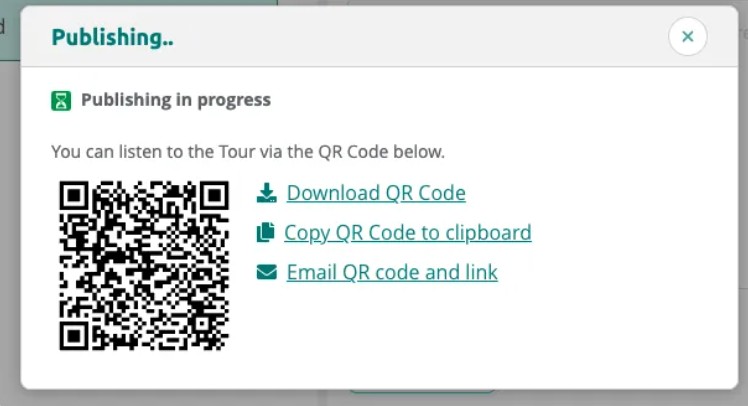
Click Publish or Publish & Sync to start publishing. The dialog shows a QR code you can use to test the tour on the PWA.
Once publishing is complete, the status changes to Published and up to date.
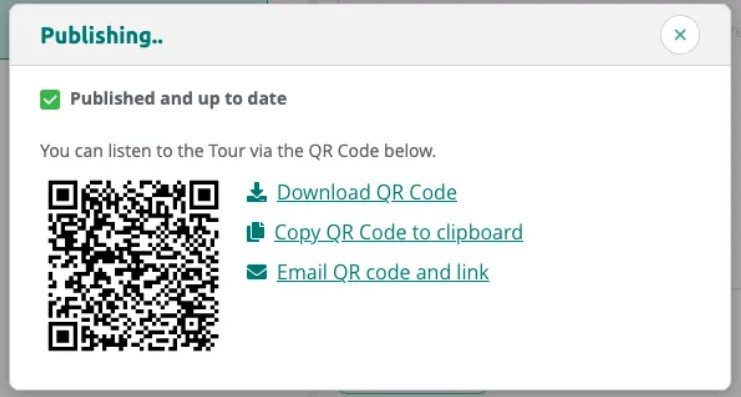
Viewing Tour Status
After publishing, the dialog confirms the tour is up to date. You can unpublish the tour at any time to make it unavailable to visitors.
Dans la liste Mes tournées, vous pouvez facilement voir le statut de chaque tournée.
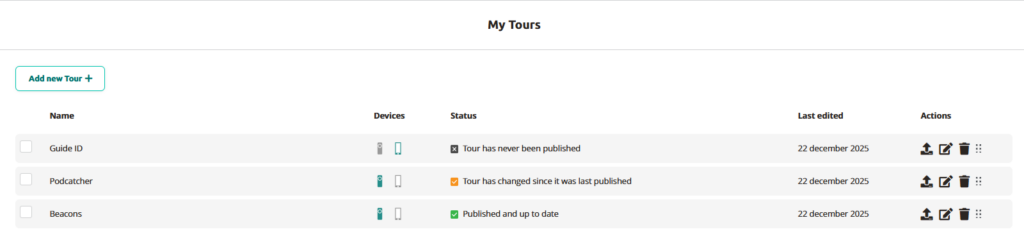
Pour publier la visite dans Mes visites, il suffit de cliquer sur l'icône avec la flèche vers le haut.
 Français
  English
  Nederlands