Een tour publiceren betekent de laatste versie van je tour beschikbaar maken voor bezoekers.
Alle wijzigingen die tot nu toe zijn gemaakt, zijn alleen zichtbaar in de tourbuilder, maar nog niet op de Podcatcher of andere apparaten.
Er zijn drie publishing "toestanden" waarin een tour zich kan bevinden:
- Tour has never been published: The tour has not yet been made available.
- Tour is unpublished: The tour was published before but is currently not accessible to visitors.
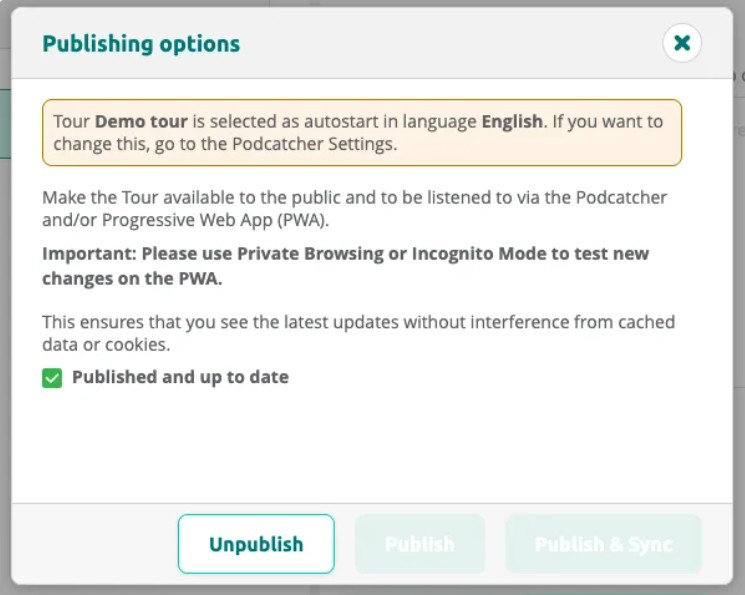
- Published and up to date: The current content is live and matches what visitors receive.
- Tour has changed since it was last published: The tour has been modified since the last publish — republish to push the changes.
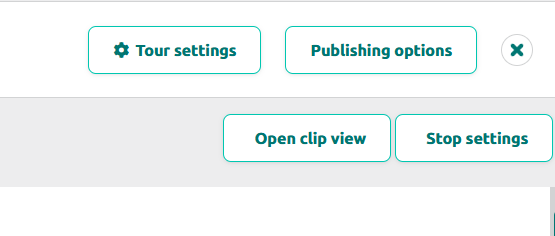
Once you’re happy with your tour, go publish it. Go to the tour and select the Publishing Options button at the top-right of thetour page.
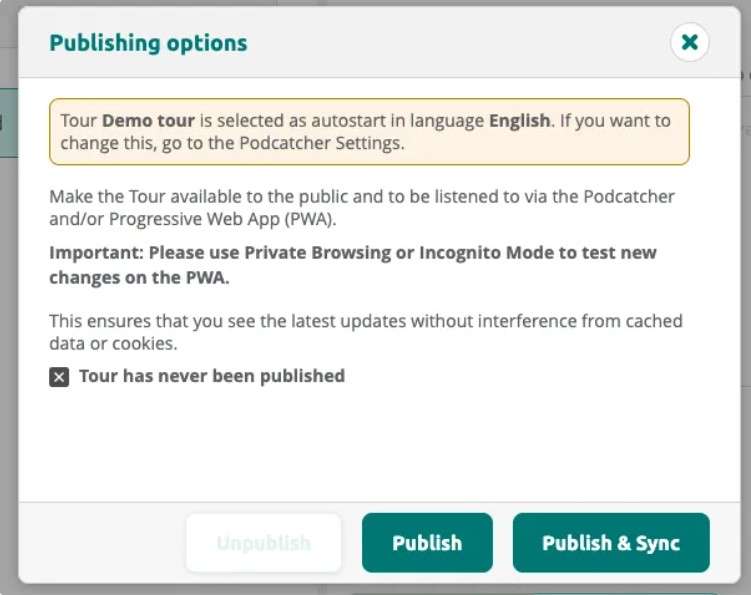
Als je op de knop klikt, verschijnt er een dialoogvenster waarin ontbrekende inhoud wordt weergegeven en waarin je kunt zien wat er is veranderd sinds de laatste keer dat je hebt gepubliceerd.
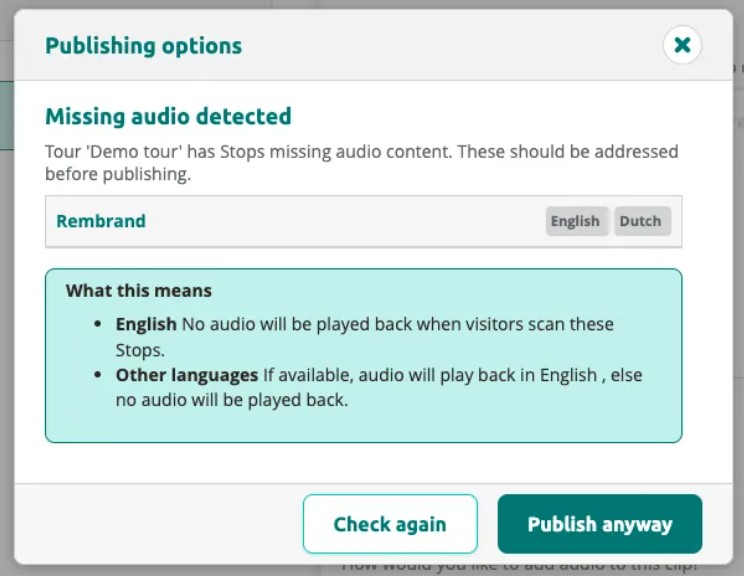
If the tour has stops with missing audio, the dialog warns you before publishing. You can choose to fix the issues or publish anyway.
Click Publish or Publish & Sync to start publishing. The dialog shows a QR code you can use to test the tour on the PWA.
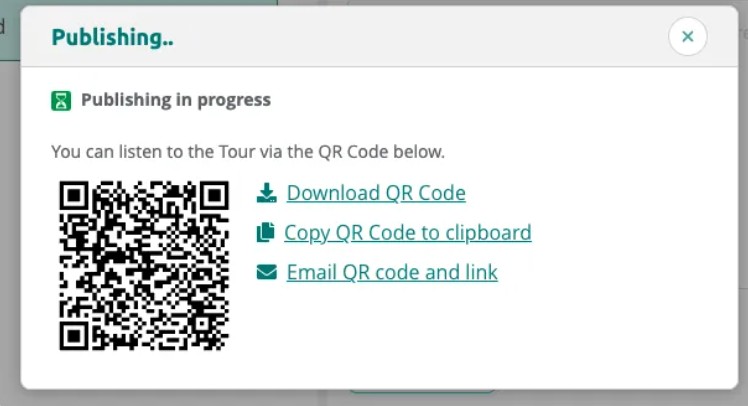
Once publishing is complete, the status changes to Published and up to date.
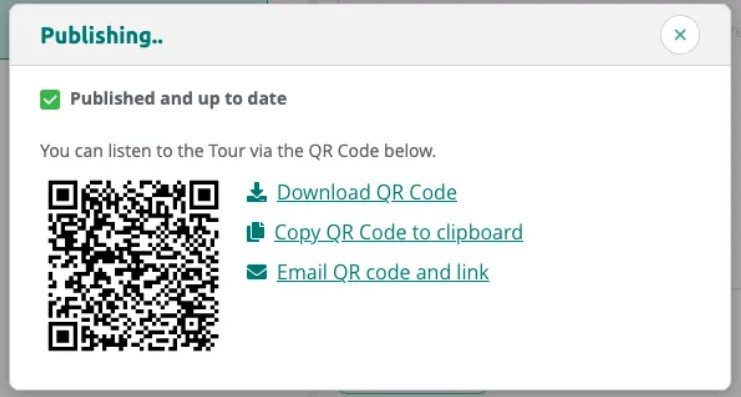
Viewing Tour Status
After publishing, the dialog confirms the tour is up to date. You can unpublish the tour at any time to make it unavailable to visitors.
In de lijst Mijn tours kun je gemakkelijk de status van elke tour zien.
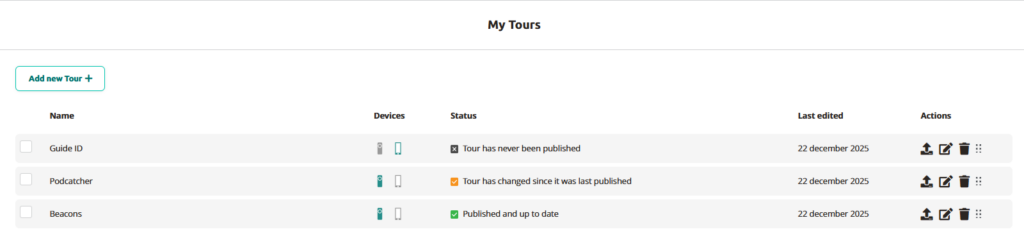
Om de tour in Mijn tours te publiceren, klik je gewoon op het pictogram met de pijl naar boven.
 Nederlands
  English
  Français