
Hoe kunnen we helpen?
Om teamleden toe te voegen zodat ze kunnen inloggen op het Platform, ga je naar Site-instellingen en klik je op team.
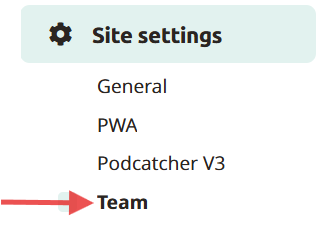
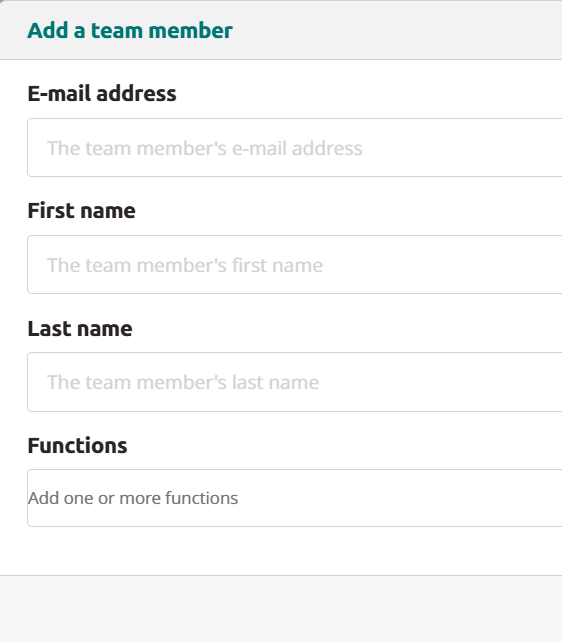
Hier kun je teamleden toevoegen door op Add new teammate te klikken. Vul hun e-mailadres, voor- en achternaam in (functie is optioneel) en klik op opslaan. Het teamlid ontvangt een e-mail. Door op de link in de e-mail te klikken kunnen ze hun account registreren en inloggen op het Platform.
Account wijzigen of verwijderen
Om een account te wijzigen of te verwijderen, klikt u gewoon op het pictogram voor bewerken of verwijderen dat vermeld staat onder acties voor dat e-mailadres.
 Nederlands
  English
  Français