
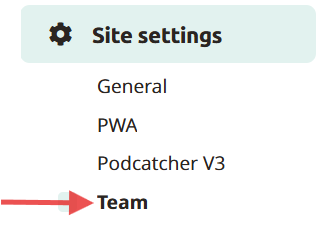
To add team members so that they can log into the Platform, simply go to Site settings and click on team.
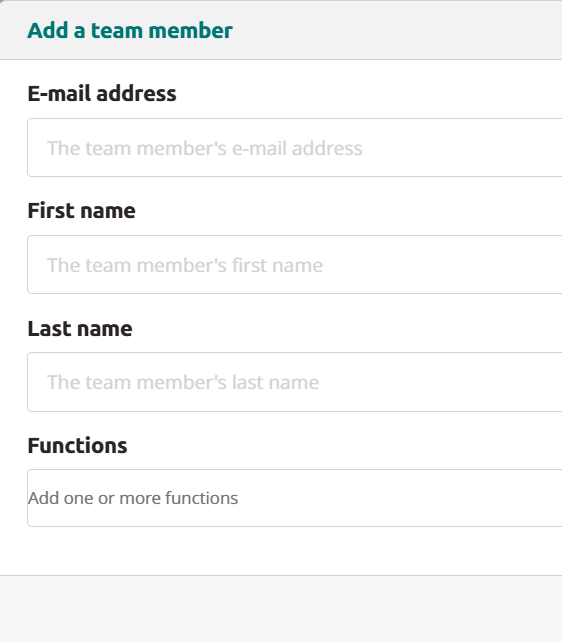
Here you can add team members by clicking on Add new teammate. Fill in their e-mail address, first- and last name (function is optional) and click on save. The team member will receive an e-mail. When clicking on the link in the e-mail they can registrate their account and log on to the Platform.
Changing or deleting account
To change or delete an account, simply click on the edit or delete icon mentioned under actions for that e-mail address.
 English
  Nederlands
  Français