
How Can We Help?
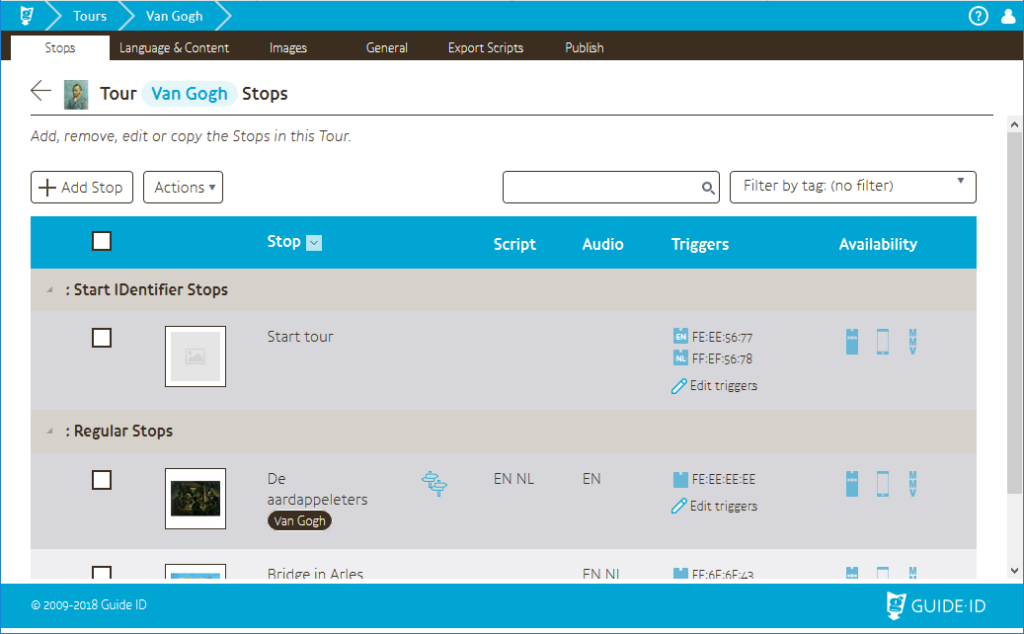
Tags are a way of labeling stops and to keep track of stops more easily. Tags are saved Site-wide, and can be reused between Tours.
It’s entirely possible to assign multiple Tags to a Stop, which is recommended especially with lots of Stops in a Tour so you can more quickly find the Stops you want to see.
New Tags can be created and assigned to a stop in the tab General of that stop (refer to this page for more information). Labels can be used to group Stops on a wide variety of properties, such as:
- Name of the exhibition
- Author
- Physical location
- Type of piece (painting, statue…)
In the Stops list you can filter stops and easily find specific ones, as described here.
Tags can be managed per site as described here
 English
  Nederlands
  Français